


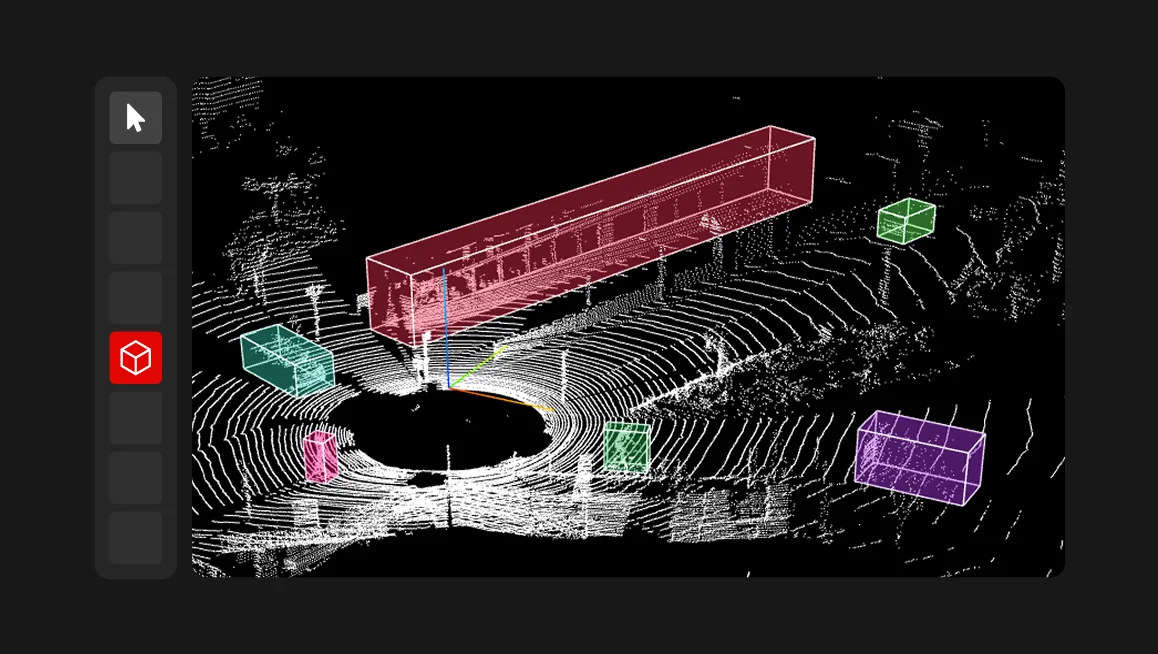
Point cloud annotation is fundamentally more demanding and complex than 2D labeling. Annotators have to work in sparse, multi-view environments, constantly switch perspectives, and maintain spatial context while dealing with small or partially occluded objects. Our labeling services team knows better than anyone that even minor issues in navigation, zoom behavior, or camera stability can significantly slow down the workflow.
That’s why, in our recent release, we’ve focused on practical updates that remove everyday friction and make 3D annotation faster, smoother, and more predictable.
#1 Quick object focus with double-click
Finding and focusing on objects in 3D space used to require manual camera rotation and careful positioning. Now, a simple double-click on any object automatically centers the camera on it. This seemingly small change dramatically speeds up annotation, especially when working with smaller objects that are difficult to locate manually. The feature works consistently across both 3D and 2D annotation tasks.
#2 Consistent zoom behavior across modes
Previously, zoom settings were inconsistent across different annotation modes, requiring constant readjustment. We've standardized the Attribute annotation zoom margin setting to work uniformly across all annotation modes, including 3D side view projections. Even better, zoom levels now persist when switching between objects—no more losing your carefully adjusted view every time you move to the next annotation.
#3 Stable and configurable control points
Control points are essential for precise annotation, but they were behaving erratically in 3D views. They would change size, become transparent, or scale incorrectly with camera distance. We've fixed this completely: the Control point size setting now works properly in 3D, and control points maintain consistent, readable size regardless of camera position or zoom level.
#4 Camera stability across projections and view changes
Switching between the main view and side views used to reset the camera position, forcing annotators to re-navigate each time they wanted to check an object from different angles. The camera now maintains its position when moving between projections, allowing smooth multi-angle verification without repetitive navigation.
#5 Improved UI readability
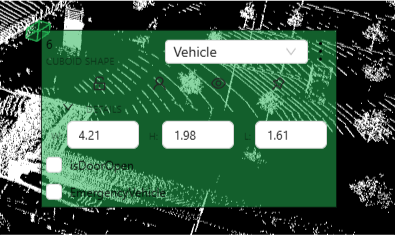
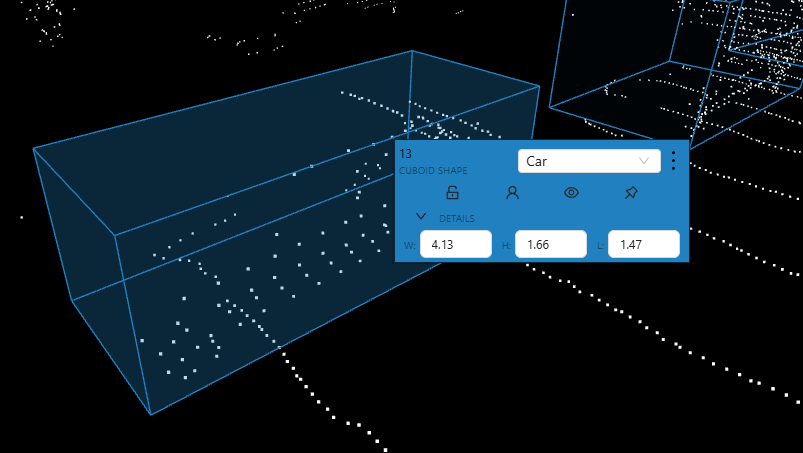
We've improved the contrast and readability of contextual menus and reduced transparency in areas where it was obscuring text. Small visual improvements like these reduce eye strain and cognitive load during long annotation sessions.
#6 Improved zoom limits and touchpad support
We've increased the maximum zoom level and completely reworked the zoom algorithm to work properly with trackpads. Navigation is now smoother and more predictable, particularly on laptops where trackpad gestures are the primary input method.
These updates are available across all CVAT editions: CVAT Online, Enterprise, and Community.
Improvements like these come directly from our hands-on work with real customer data and have immediate impact on annotation speed and quality, especially for complex workflows like 3D and point cloud annotation. If you work with point cloud data, we hope these updates will streamline your labeling workflow.
Have feedback or suggestions?
We'd love to hear from you! Contact our team via HelpDesk or submit an issue on GitHub.


.svg)
.png)

.png)




.png)