


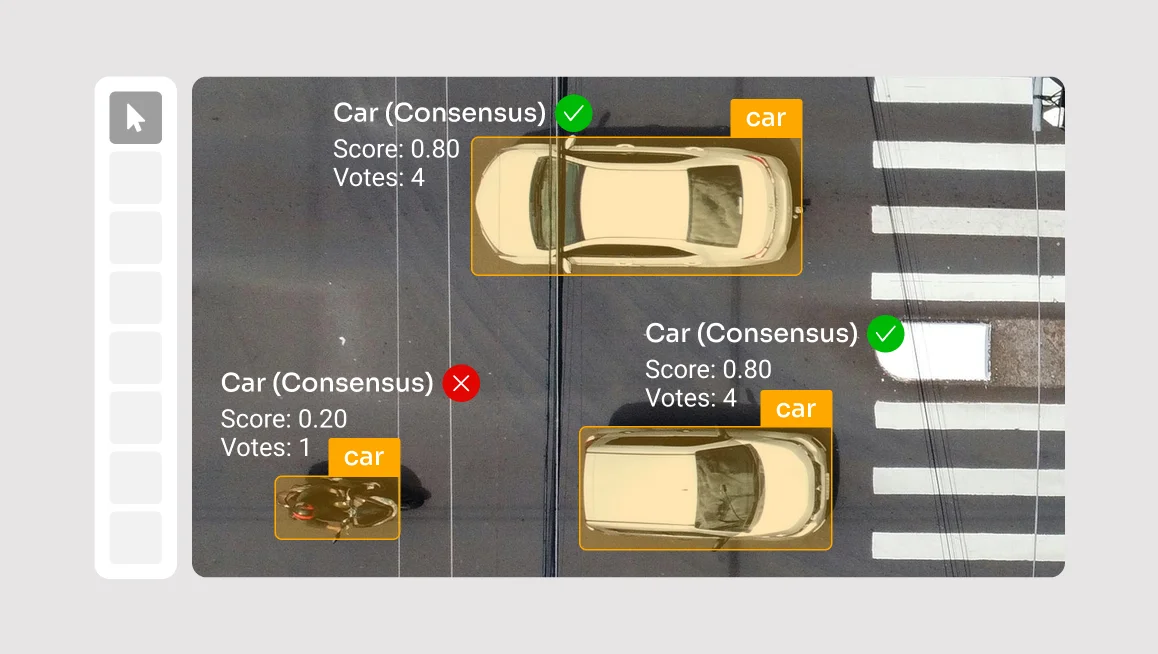
This release brings greater transparency to consensus results, faster navigation in review mode, and easier quality analysis with exportable confusion matrices.
1) Consensus jobs merging with agreement scores and conflict visibility
Consensus results are now more transparent and easier to review:
No quorum-based filtering
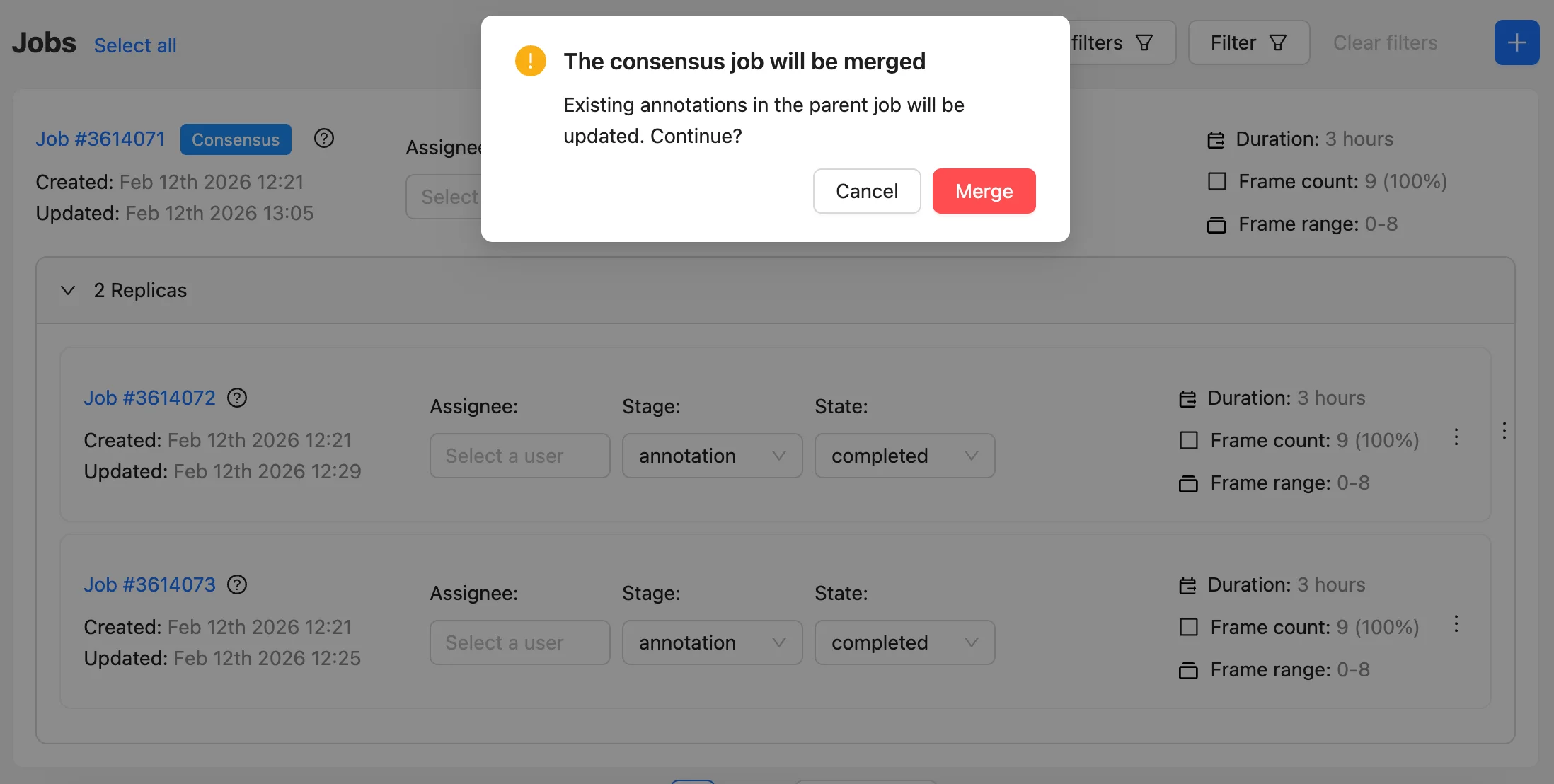
Instead of filtering annotations by quorum thresholds, all replica annotations are now merged into the final consensus-based job. Now, your annotations are no longer dropped silently due to quorum rules and are always available for review and validation.
Agreement indicators on every annotation

Merged annotations from replica jobs now include an agreement score (0.0–1.0) that reflects how strongly annotators agree over every annotation, and the vote score that shows the number of replicas supporting the annotation (out of the total in the consensus job).
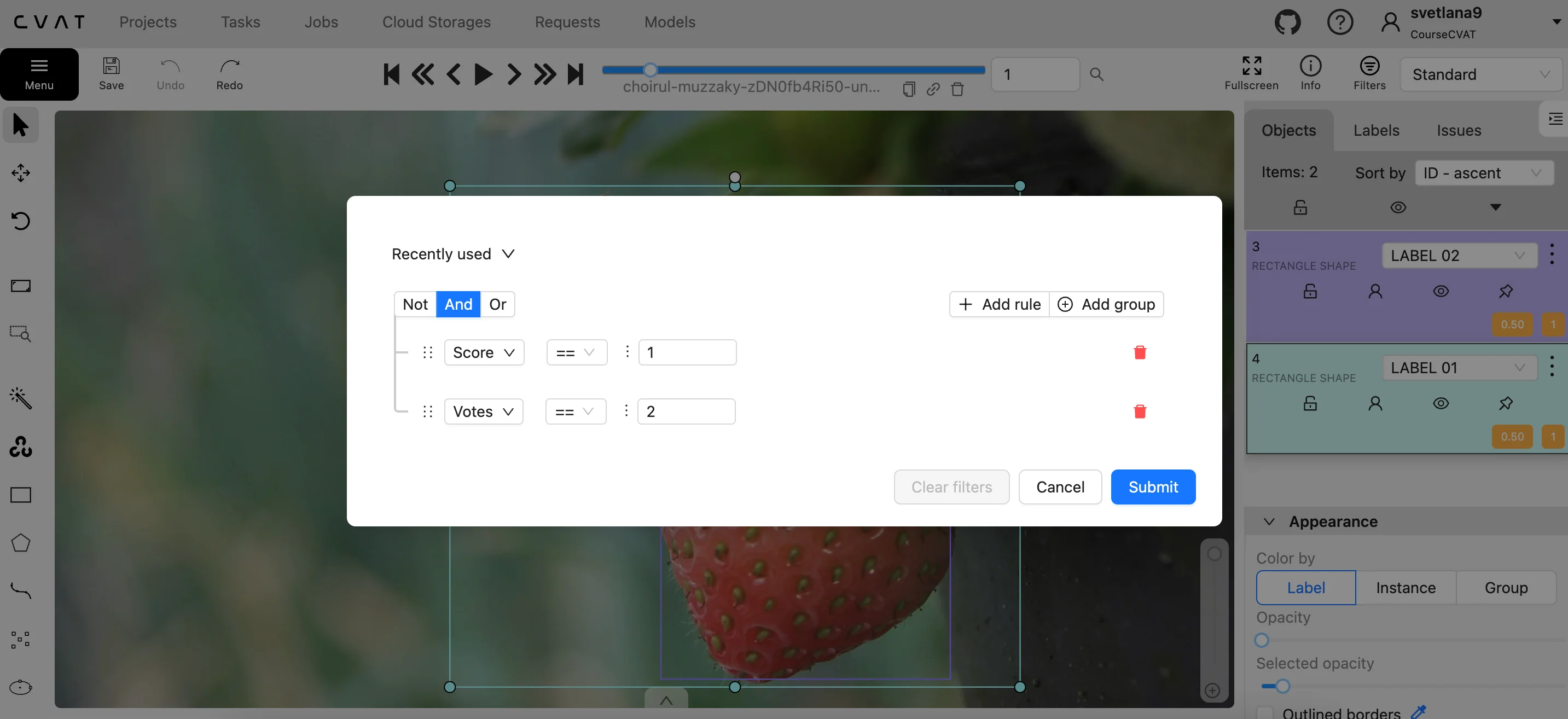
These new parameters are also available in filters. For example, you can filter annotations by a low agreement score (below a chosen threshold) to quickly review uncertain or conflicting items instead of searching through the full list.
Conflicts are visible
When annotators disagree, those cases remain in the merged result with lower agreement, so disagreements are easier to spot and resolve.
2) Review mode quality-of-life navigation updates
Reviewing dense frames is faster with new navigation helpers:
Quick zoom-in & faster object-to-object navigation
You can now double-click an object in the sidebar to center and zoom to it, and use Tab and Shift+Tab to jump to the next or previous object.
Safer editing in Review mode
Objects are locked by default to prevent accidental changes. Unlock via L or the lock icon when you need to edit or delete.
3) QA reports confusion matrix available as CSV
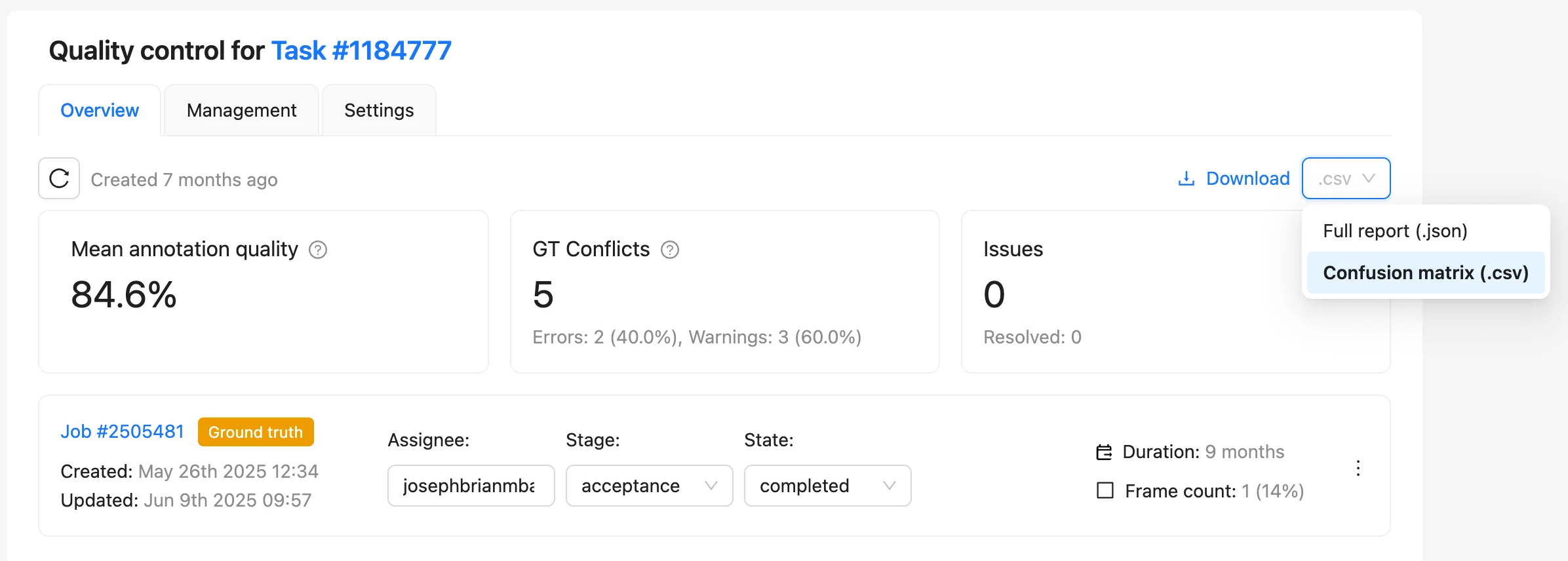
Quality reports now support an easier way to analyze per-class performance:
- Download the confusion matrix as a CSV, in addition to the full JSON report.
- The CSV is ready to import into Google Sheets or Excel for class-by-class checks and easier sharing with teammates or customers.



.svg)
.png)

.png)




.png)