


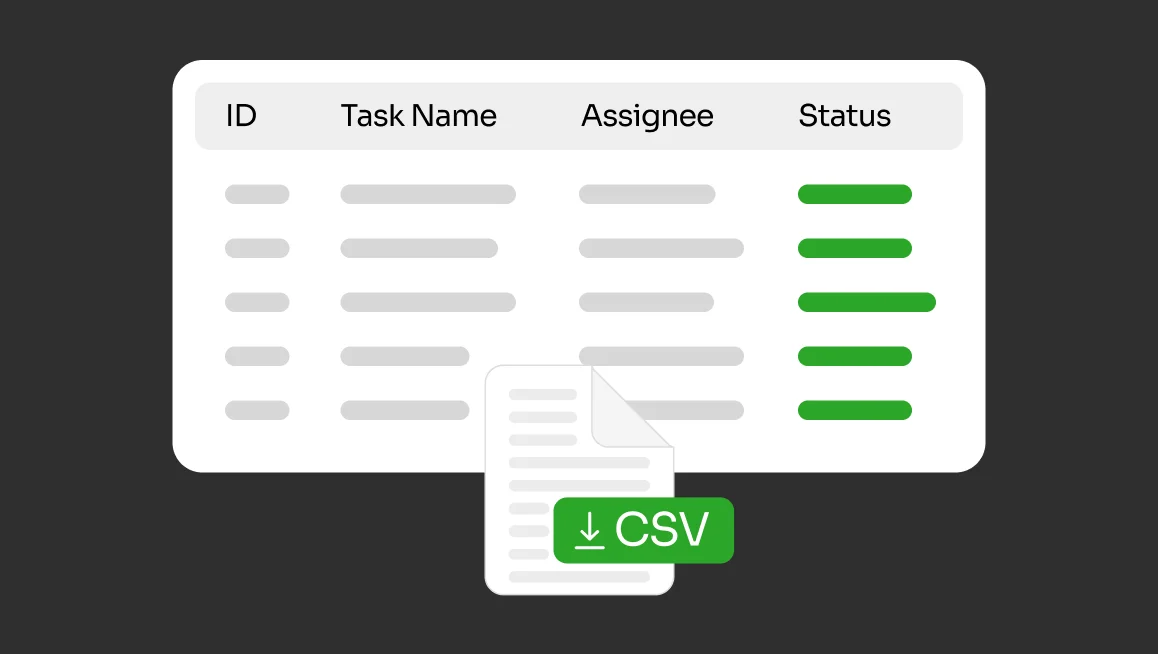
We’ve added a practical new export option to CVAT: users can now export metadata from the Projects, Tasks, and Jobs pages in the Dashboard as a CSV file.
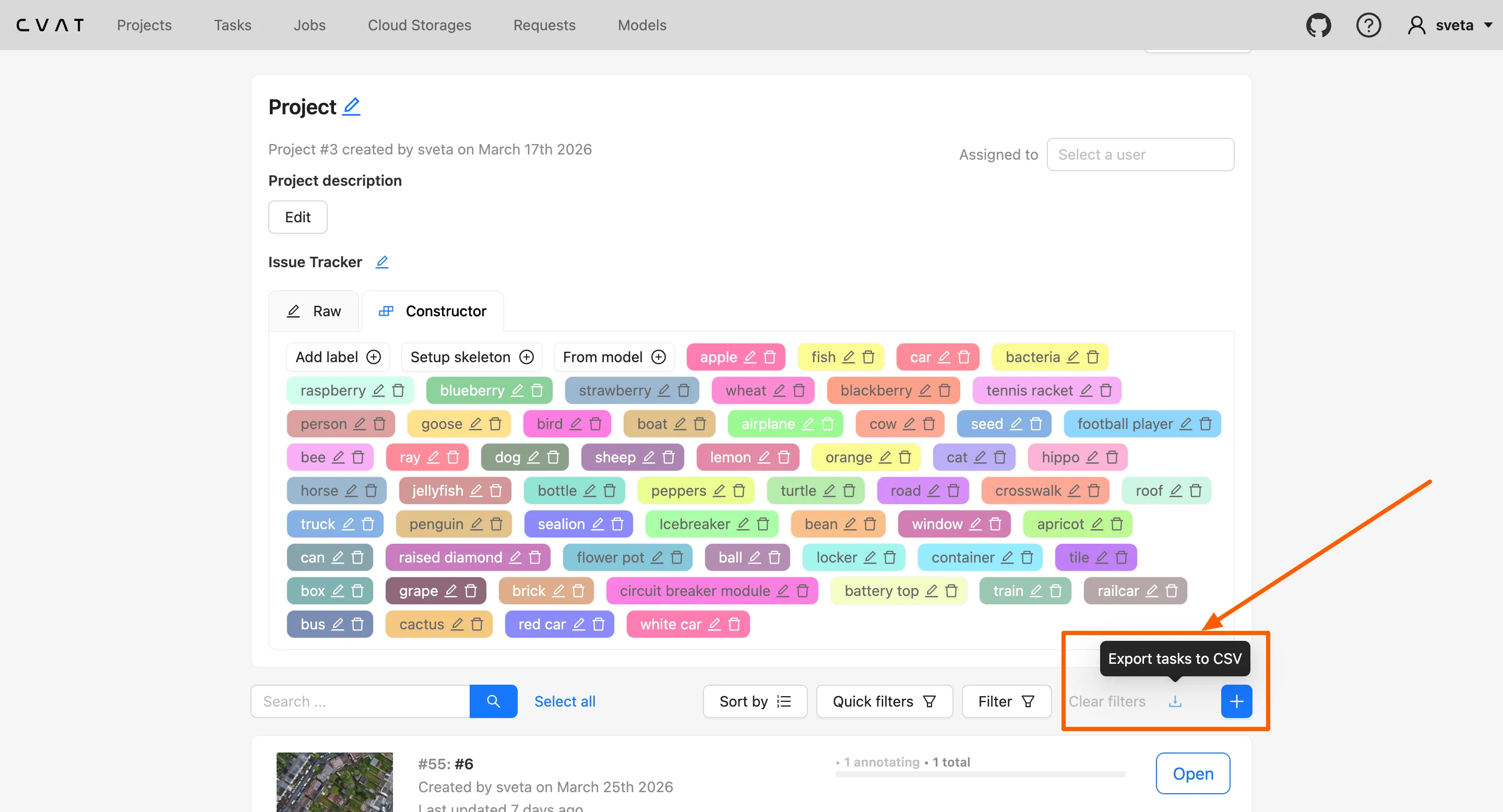
The export includes the information shown in those list views, such as IDs, names, URLs, owners, assignees, statuses, dates, and related project or task information depending on the page. It does not include the actual images, videos, or annotations.
If filters are applied in the Dashboard, CVAT will export only the currently visible results. This makes it easier to save a filtered operational view instead of exporting the full list every time.
Why this is useful
This feature is mainly for people who manage annotation work, track progress, or need a quick operational snapshot outside CVAT.
For example:
- A project manager can export a list of projects with owners, assignees, statuses, and update dates for reporting or handoffs.
- An annotation team lead can filter tasks or jobs by assignee, status, stage, or state and export that view to review workload or track what still needs attention.
- A QA lead can export filtered jobs to monitor review progress or follow up on specific parts of the pipeline.
- An operations manager can use the CSV as a quick source for weekly summaries, planning, or audit-style tracking.
Common use cases
Because the export reflects what’s visible in the Dashboard, it’s especially useful for lightweight operational workflows, such as:
- exporting all tasks assigned to a specific annotator
- exporting jobs in a particular stage or state
- reviewing recently updated projects or tasks
- building a simple progress report in Excel or Google Sheets
- sharing a filtered snapshot of work items with another team
For tasks and jobs, the export can also help teams work with details such as project links, subsets, task size, frame ranges, or frame counts without copying that information manually from the UI.
Supported exports
You can export CSV data from:
- Projects
- Tasks
- Jobs
In each case, you can export either the full list on the page or only the entries left after filtering.
This is a small feature, but it removes a lot of manual copying for teams that regularly work with project, task, and job metadata in CVAT. Instead of rebuilding lists by hand, you can now filter what you need in the Dashboard and export it directly as CSV.



.svg)
.png)

.png)




.png)