


What is a Cuboid?
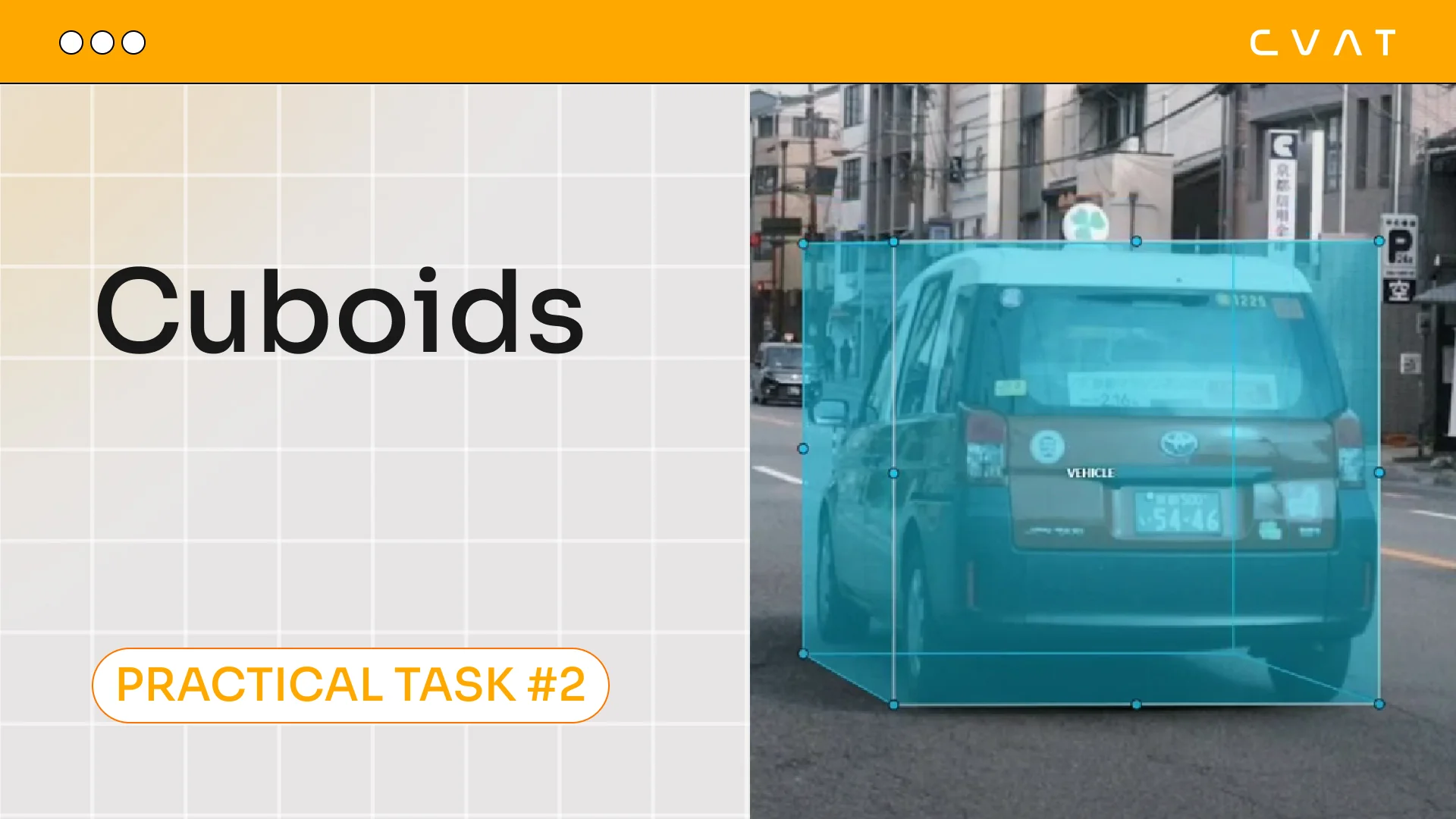
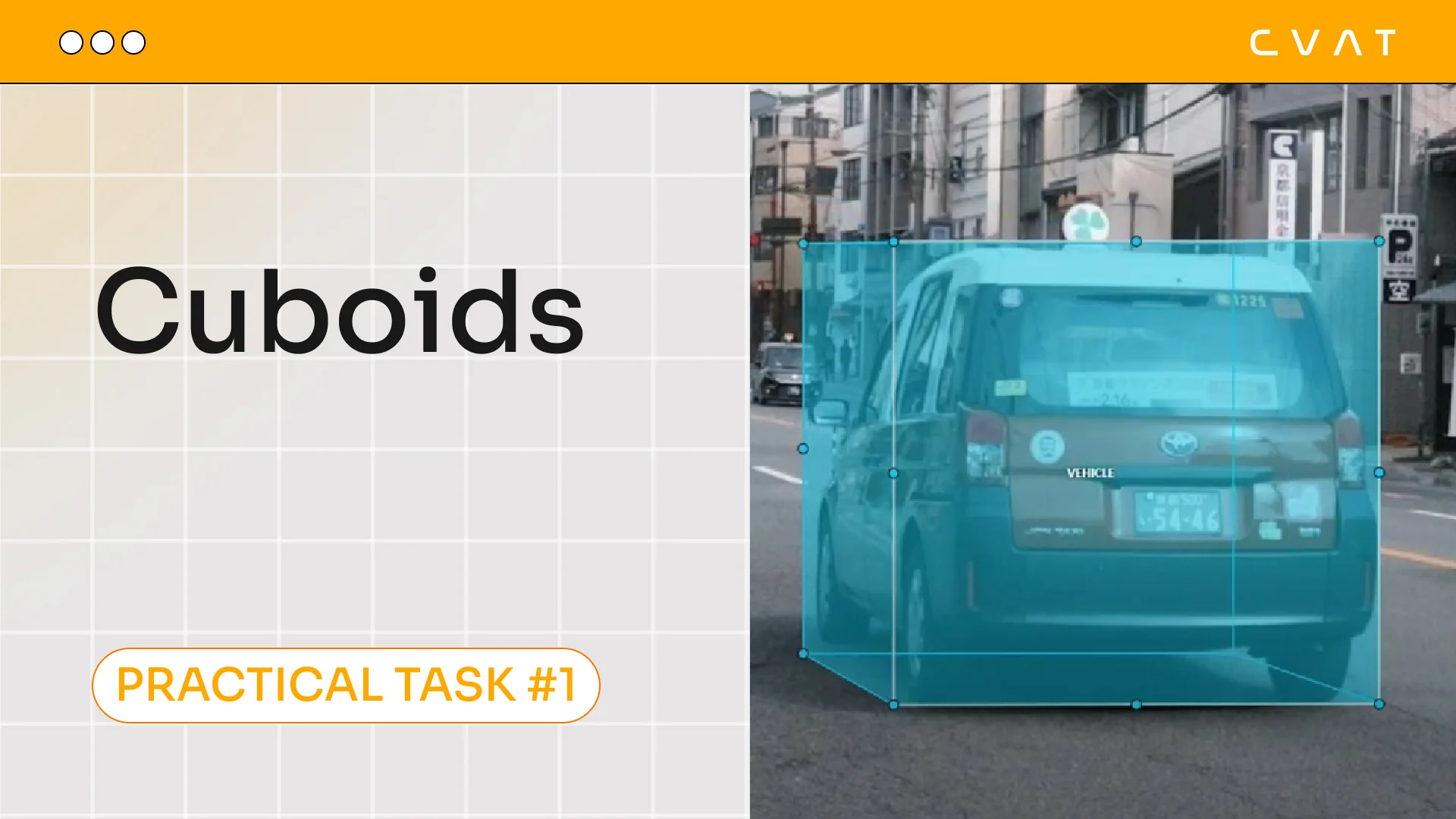
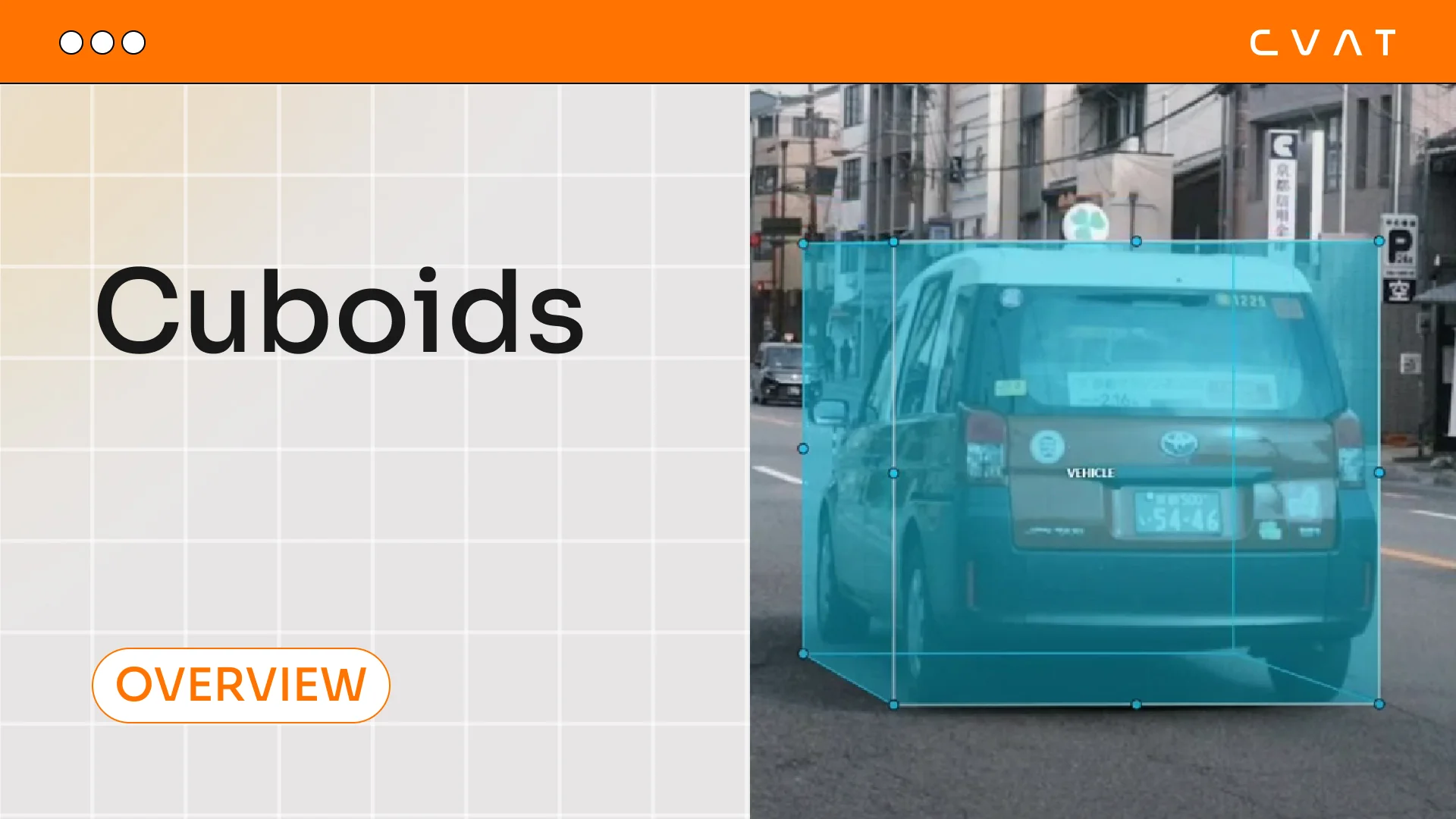
A cuboid (or rectangular parallelepiped) is a three-dimensional geometric shape with six rectangular faces. In computer vision and machine learning, cuboids are often used as volumetric bounding boxes (3D Bounding Boxes) to represent objects in images or point clouds.
Applications of Cuboids
Cuboids are widely used in various tasks requiring three-dimensional data analysis:
- Computer Vision: Used for annotating objects in 3D space, such as vehicles, pedestrians, and other scene elements.
- Autonomous Driving: Helps systems recognize and track objects in real time, which is crucial for the safety of self-driving cars.
- Robotics: Applied in navigation and environment perception, enabling robots to understand the spatial positions of objects.
- Augmented and Virtual Reality: Used for spatial analysis and interaction with virtual objects.
- 3D Reconstruction and Modeling: Allows for object size estimation and scene analysis using point clouds.
Advantages and Disadvantages of Cuboids
Advantages:
- Simple Representation: Cuboids are easier to compute and process compared to more complex 3D shapes. They can be defined using just a few coordinate points, simplifying their use in machine learning algorithms.
- Efficient Annotation: Creating cuboids for objects is simpler than detailed shape modeling, significantly speeding up dataset preparation. This is especially important in autonomous driving and other domains that require large-scale annotation.
- Versatility: They can be used in various tasks, from computer vision to simulations. Cuboids are applicable in both 2D annotation (projections onto a plane) and 3D analysis, making them adaptable to different scenarios.
Disadvantages:
- Low Accuracy for Complex Objects: Cuboids are not well suited for objects with intricate geometry (e.g., humans or animals) since they do not account for shape details. This can lead to detection errors and make object classification more challenging.
- Issues with Tilted Objects: Cuboids are often constrained to coordinate axes (Axis-Aligned Bounding Boxes), making them inaccurate when annotating objects at an angle. This can result in parts of the cuboid extending beyond the object's boundaries while leaving empty space elsewhere. To address this issue, Oriented Bounding Boxes or more complex 3D models are used, but they require greater computational resources and more sophisticated processing.
- Challenges with Occluded Objects: When an object is partially covered by another, correctly placing a cuboid can be difficult. This is especially critical in urban environments or on busy roads, where objects frequently obscure one another.
- Scalability Issues: In large scenes with high object density (e.g., in urban datasets), using cuboids can lead to overlapping annotations and increased errors in recognition algorithms.
Popular Datasets with Cuboids
Cuboids are widely used in the following datasets:
- KITTI: One of the most well-known datasets for autonomous driving, containing 3D annotations of objects using cuboids. KITTI provides:
- ~15,000 images with annotations
- ~80,256 3D bounding boxes for objects
- nuScenes: A dataset for autonomous vehicles, including annotated LIDAR point clouds with 3D bounding boxes. nuScenes contains:
- 1,400,000 camera images
- 390,000 LIDAR scans
- 1,400,000 annotated 3D bounding boxes for 23 object classes
- Waymo Open Dataset: A large dataset from Waymo for training autonomous driving models with detailed 3D annotations. The Waymo Open Dataset includes:
- 1,950 segments of 20 seconds each (approximately 200,000 frames)
- 12.6 million annotated 3D bounding boxes
These datasets are widely used in research and development of autonomous driving systems and computer vision, providing rich datasets for training and testing models.
Conclusion
Cuboids are a powerful tool in 3D data analysis tasks. They are widely used in autonomous systems, robotics, and computer vision due to their simplicity and efficiency. However, their use comes with limitations, such as the inaccuracy of representing complex objects. Nevertheless, thanks to popular datasets and advancing technology, cuboids remain a key component in 3D analysis.

.svg)





.svg)
.png)

.png)


