


What is an Ellipse Tool?
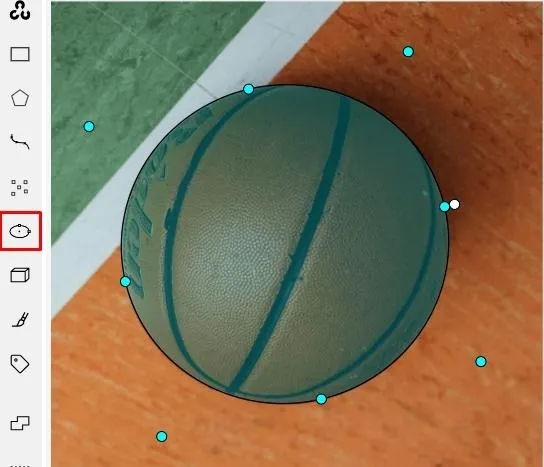
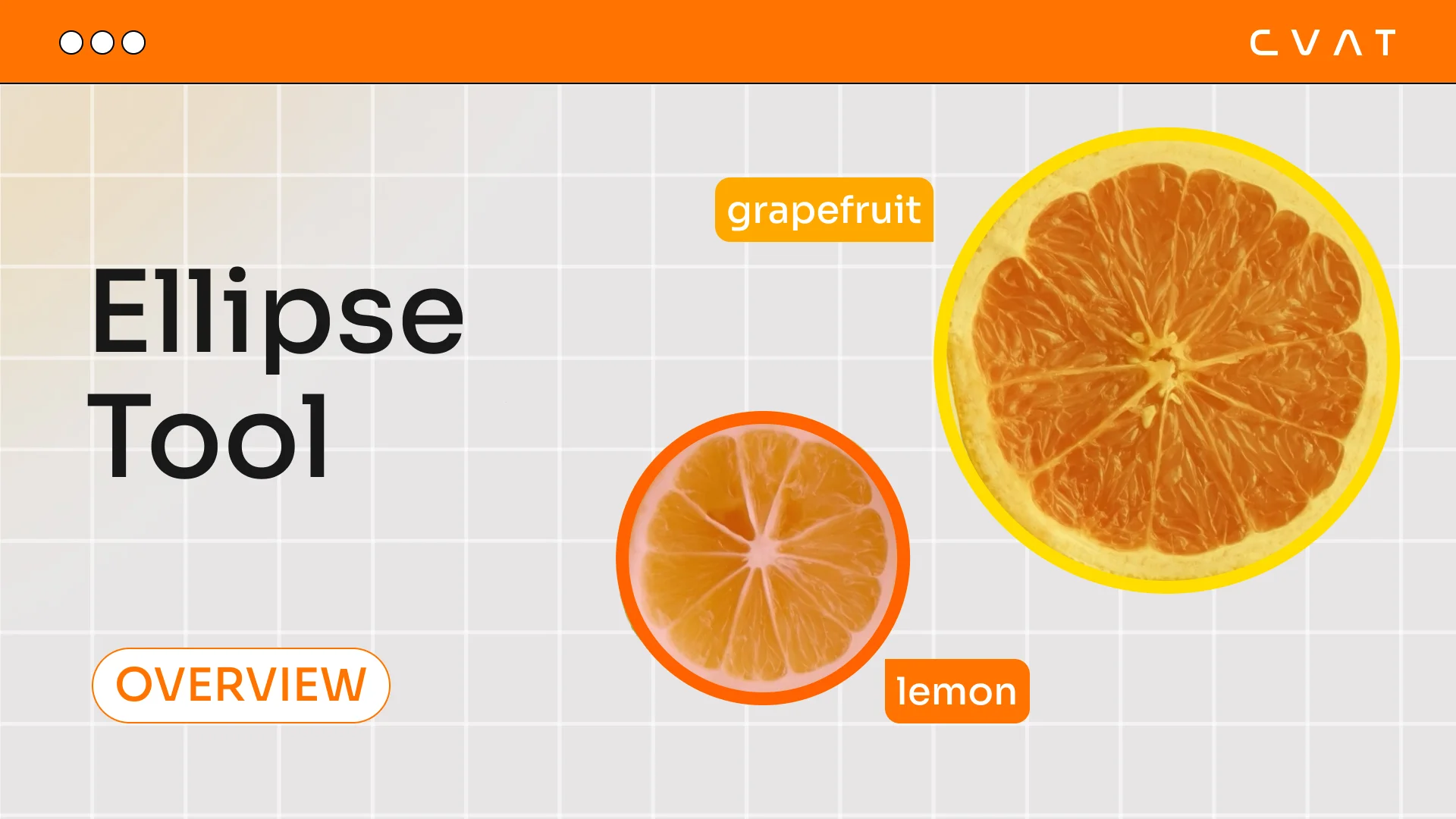
The Ellipse Tool is an annotation tool in CVAT designed for highlighting oval or round-shaped objects using ellipses. Unlike Bounding Box or Polygons, this tool allows for more precise outlining of circular objects without unnecessary background fragments.
In what tasks is Ellipse Tool used?
The Ellipse Tool is particularly useful in the following scenarios:
- Annotating round objects: such as car wheels, human or animal eyes, coins, plates, footballs, and other objects with a well-defined round shape.
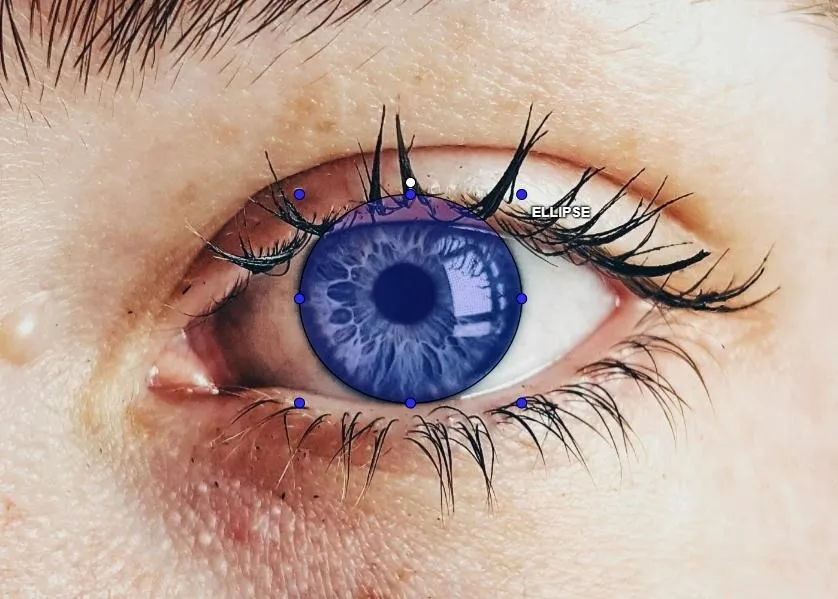
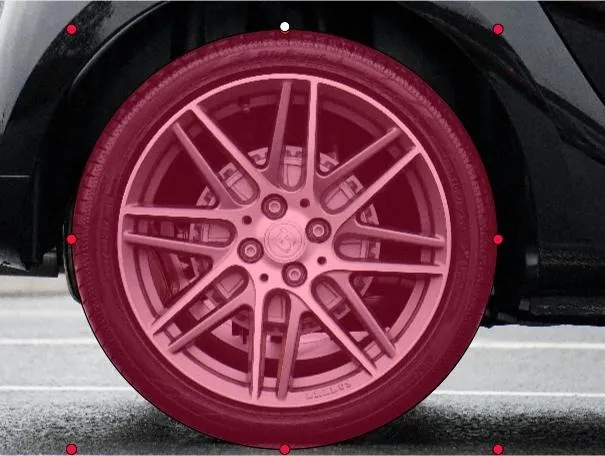
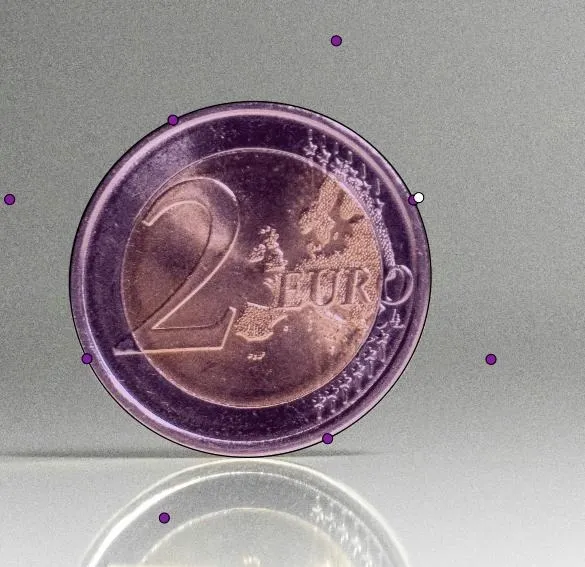
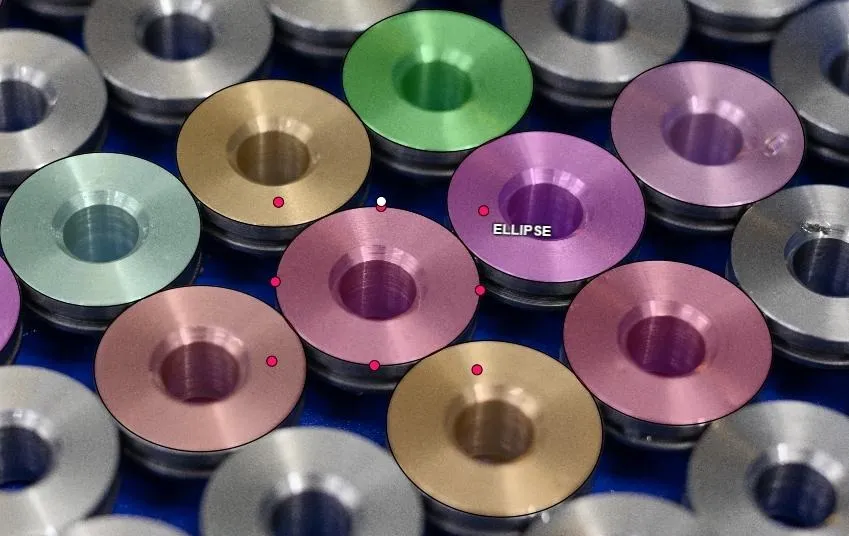
- Markup automation in manufacturing: used when analyzing defects on round parts, such as bearings, pipes, and discs, which helps improve quality control and automate the process.
- Medical image analysis: used in segmenting tumors, cells, and anatomical structures like pupils, skin spots, or the shapes of internal organs in diagnostic images.
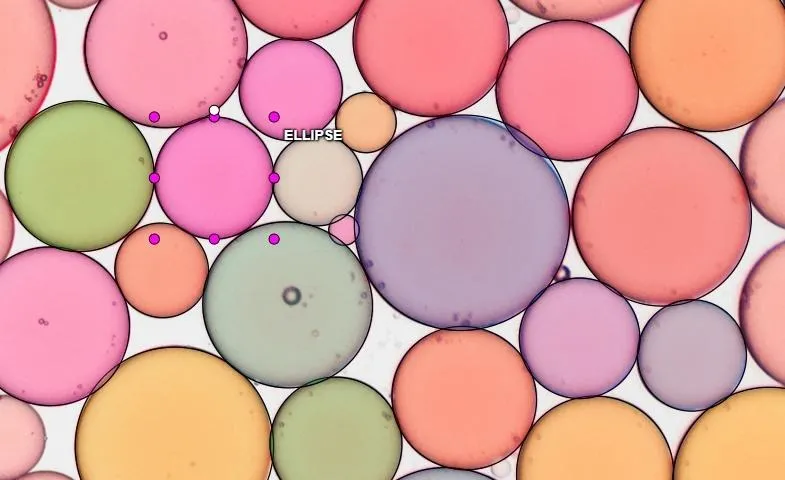
- Aerial photography and satellite analytics: used for annotating objects like building domes, craters, tanks, and round-shaped agricultural land.

Advantages and disadvantages of annotation with ellipses
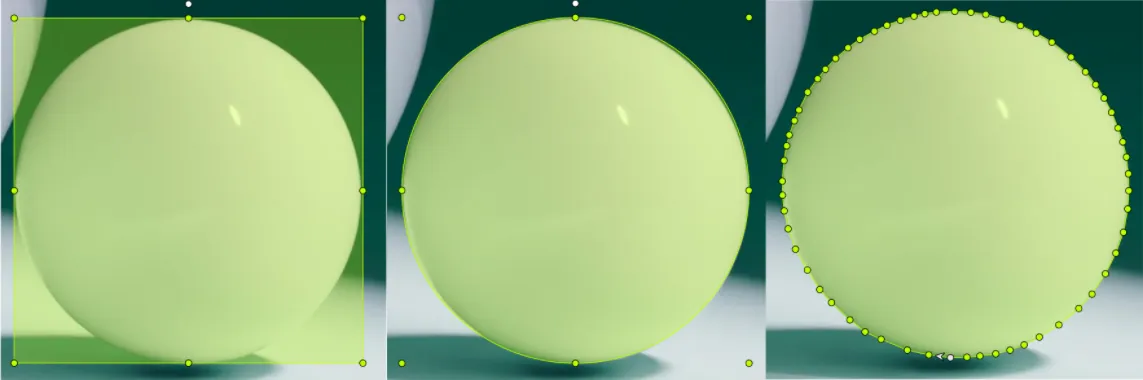
Advantages:
- Accuracy: An ellipse better fits round shapes compared to Bounding Boxes, excluding unnecessary background pixels.
- Time-saving: In some cases, annotating with ellipses is faster than manually creating polygonal outlines.
- Better suited for naturally round objects: For biological or mechanical structures, where shape precision is important.
- Orientation flexibility: The ability to rotate the ellipse at the desired angle allows for better adaptation to the object.
Disadvantages:
- Not suitable for complex shapes: Objects with many protrusions or irregular shapes require annotating with Polygons.
- Limited support in some neural networks: Most models are trained on Bounding Box or Polygon annotations, making the use of ellipses less standard.
- Lack of support in popular datasets: Most widely used datasets do not support ellipses as a separate annotation type.
Ellipse support in datasets
Popular datasets do not contain ellipses as a distinct annotation type. They use formats like Bounding Box, Polygons, Keypoints, and Masks, but ellipses are not included. When exporting from CVAT, ellipses are automatically converted into masks to ensure compatibility with annotation formats supported by most datasets and models.
Conclusion
The Ellipse Tool in CVAT is a convenient solution for annontating round objects, helping to avoid unnecessary background and speeding up the annotation process. It is especially useful in tasks related to autonomous driving, medical diagnostics, industrial analysis, and aerial photography. However, it is important to note that most popular datasets do not support ellipses. When exported from CVAT, they are converted into masks, which may require additional transformations to ensure compatibility with existing neural network models. Despite these limitations, using ellipses can significantly improve annotation accuracy in tasks where the round shape of the object is crucial.

.svg)





.svg)
.png)

.png)


